

Ever wonder how those massive, cinematic environments actually come together in production?
In this course, VFX Art Director,Concept Artist and Matte Painter Igor Staritsin takes you through the complete process of building an epic, believable matte painting shot, the same kind of workflow used in film and game studios.
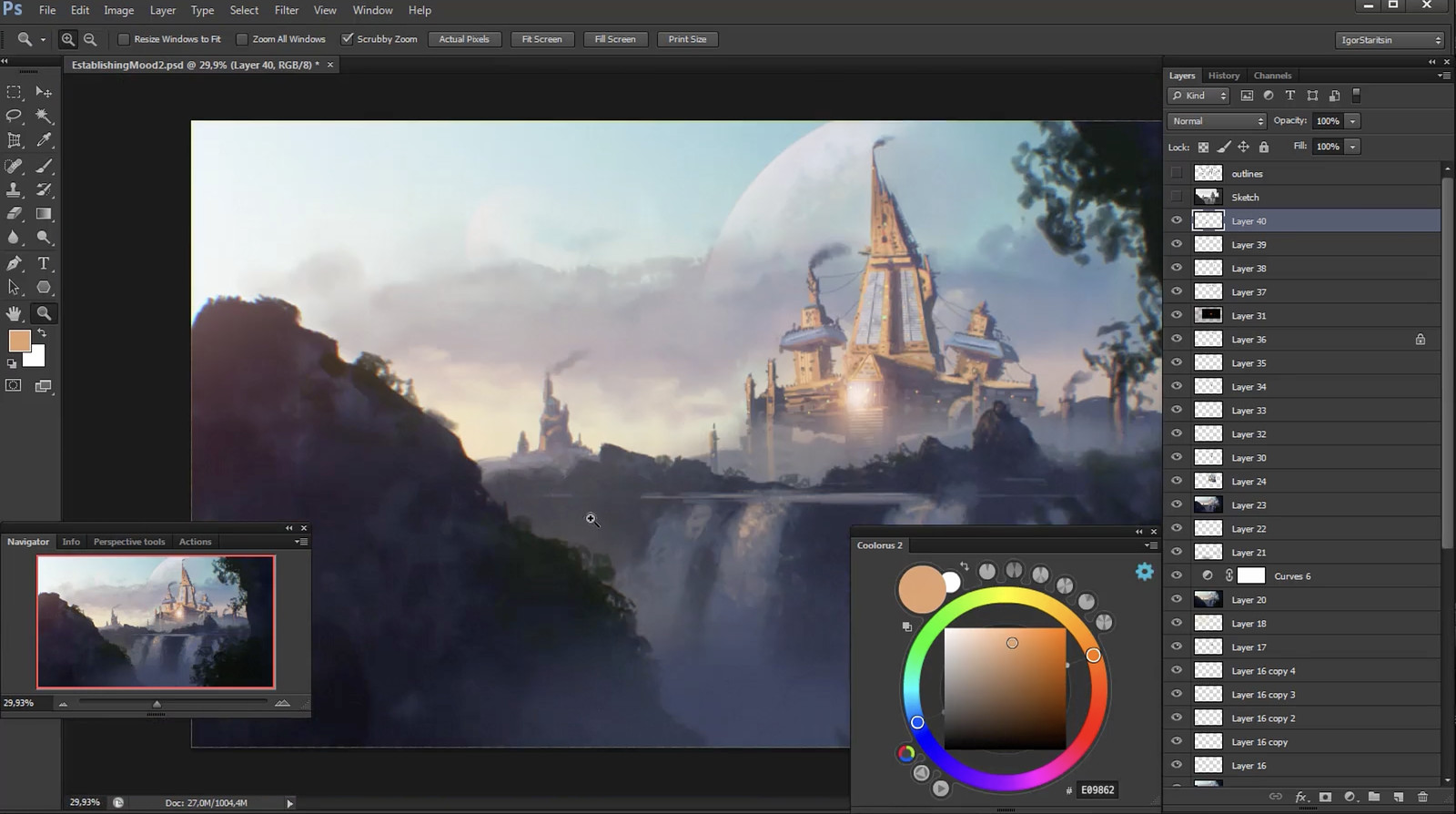
You’ll start by blocking out strong compositions and locking in a compelling mood with a focused color sketch. From there, you’ll dive into Photoshop to build a highly detailed environment, integrate 3D elements in Maya, and add dynamic features that give your scene scale and realism.

Finally, you’ll bring everything together in Nuke, setting up projections and pushing the shot to a polished, cinematic final composite.
This is the full pipeline, from rough idea to finished image. If you want to understand how professional matte paintings are actually built, and create work that feels epic and production ready, this course will show you how.


Not really. Some basic knowledge of Photoshop is helpful, but not required. The specific 3D package you use doesn’t matter, any modern software will work just fine. The Nuke camera projection workflow and shot compositing are covered completely in the videos, so no prior knowledge is needed to follow along.
Photoshop and any 3D package. Nuke is only needed if you want to follow the camera projection and final compositing workflow. Even without Nuke, you can still learn how to create an epic 2D painting using a mix of 2D and 3D techniques.
Yup! Each video is downloadable as an mp4 file at 900p. Please don’t share the videos. Each purchase helps to create future videos like these.
This course has English CC available for premium lessons.
No, you'll have access to the full course after the presale ends.
Unfortunately no, Proko is a completely different platform and cannot transfer your purchase over.
The course content you are buying itself is identical. But, there are some additional perks you get when you purchase through Proko!
- user-friendly website design for an optimal learning experience
- access to a like-minded community of fellow artists
- video downloads for offline learning
- 30 day money back guarantee
No, it’s a one-time payment and you have access to these videos forever. You are essentially purchasing a product. It’s not a subscription.
If you are not thrilled with the product, then we have no interest in forcing you to keep it. Therefore, refunds are available to customers within 30 days of your purchase.
Absolutely! Just enter in the gift receivers email address at checkout.
Nope! You can join and watch the lessons at any time. This course was designed so you could go at your own pace.





